 |
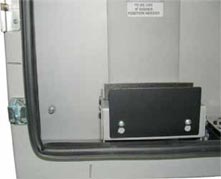
INSTALATION GUIDE WALL MOUNT OPTION |
STEP 1 |
STEP 3 |
|
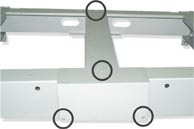
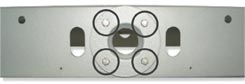
- Dismantle cable cover (4) screws. |
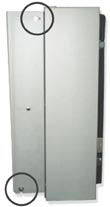
- Slide back enclosure on to the lower bolts that are already in place and secure at the TOP with the (2) remaining bolts. |
|
 |
 |
|
- Dismantle 1˜/2" flange (4) bolts . |
||
 |
||
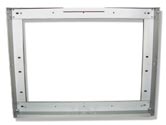
- Cable cover and ˛ange will not be needed for wall mount application. |
||
STEP 2 |
STEP 4 |
|
- Attach wall mount to the wall with adequate structural strength. |
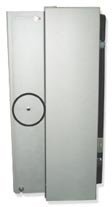
- Secure everything with (1) security screws on
each side. |
|
 |
 |
8 |
MONITOR INSTALLATION GUIDE |
|||
FSMP-LCD ASSEMBLY GUIDE
|
|||
WALL MOUNT OPTION
|
|||
CEILING MOUNT OPTION
|
 |
 |
|