 |
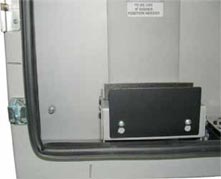
FSMP-LCD-32 ASSEMBLY GUIDE |
STEP 1 |
STEP 2 |
|
 |
||
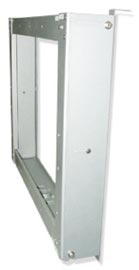
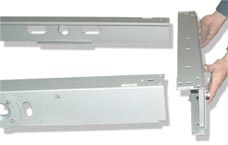
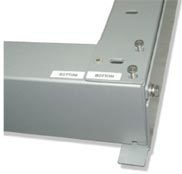
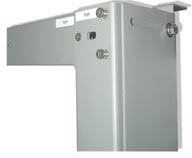
- Attach 4 parts together. - Position TOP with TOP, BOTTOM with BOTTOM. - Tighten 3 bolts on each corner using furnish tool. |
||
 |
||
|
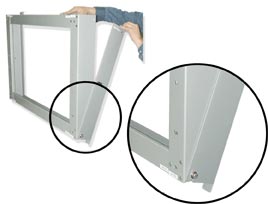
- Dismantle L bracket on each side of the wall
mount leaving the (2) BOTTOM bolts loose. |
|
 |
6 |
MONITOR INSTALLATION GUIDE |
|||
FSMP-LCD ASSEMBLY GUIDE
|
|||
WALL MOUNT OPTION
|
|||
CEILING MOUNT OPTION
|
 |
 |
|