 |
FR-LCD-SERIES MONITOR INSTALLATION GUIDE FR-LCD |
STEP 9 |
STEP 11 |
|
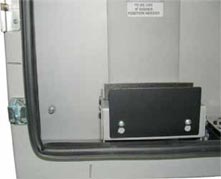
- Adjust the depth on the TOP bracket to the depth of the monitor. |
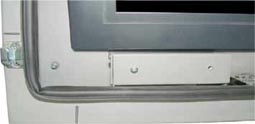
- Sit the monitor on the bracket and make sure that the side of the screen area is in line with the BOTTOM arrows. |
|
 |
 |
|
STEP 10 |
STEP 12 |
|
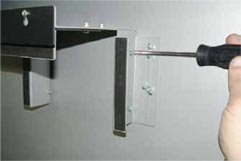
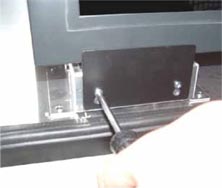
- Remove the front black plate on each bracket. |
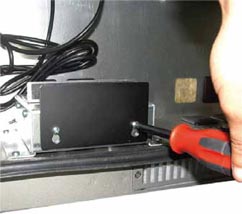
- Re-install the front plates on the BOTTOMS brackets. |
|
 |
 |
4 |
MONITOR INSTALLATION GUIDE |
|||
FSMP-LCD ASSEMBLY GUIDE
|
|||
WALL MOUNT OPTION
|
|||
CEILING MOUNT OPTION
|
 |
 |
|